{{ 'fb_in_app_browser_popup.desc' | translate }} {{ 'fb_in_app_browser_popup.copy_link' | translate }}
{{ 'in_app_browser_popup.desc' | translate }}
{{word('consent_desc')}} {{word('read_more')}}
{{setting.description}}
{{ childProduct.title_translations | translateModel }}
{{ getChildVariationShorthand(childProduct.child_variation) }}
{{ getSelectedItemDetail(selectedChildProduct, item).childProductName }} x {{ selectedChildProduct.quantity || 1 }}
{{ getSelectedItemDetail(selectedChildProduct, item).childVariationName }}
Download now to enjoy member exclusive privileges.
About MUJI passport
| 1 | Gain MUJI Mile |
|
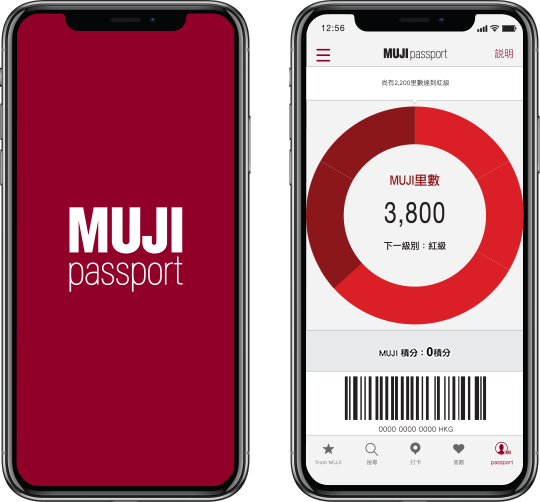
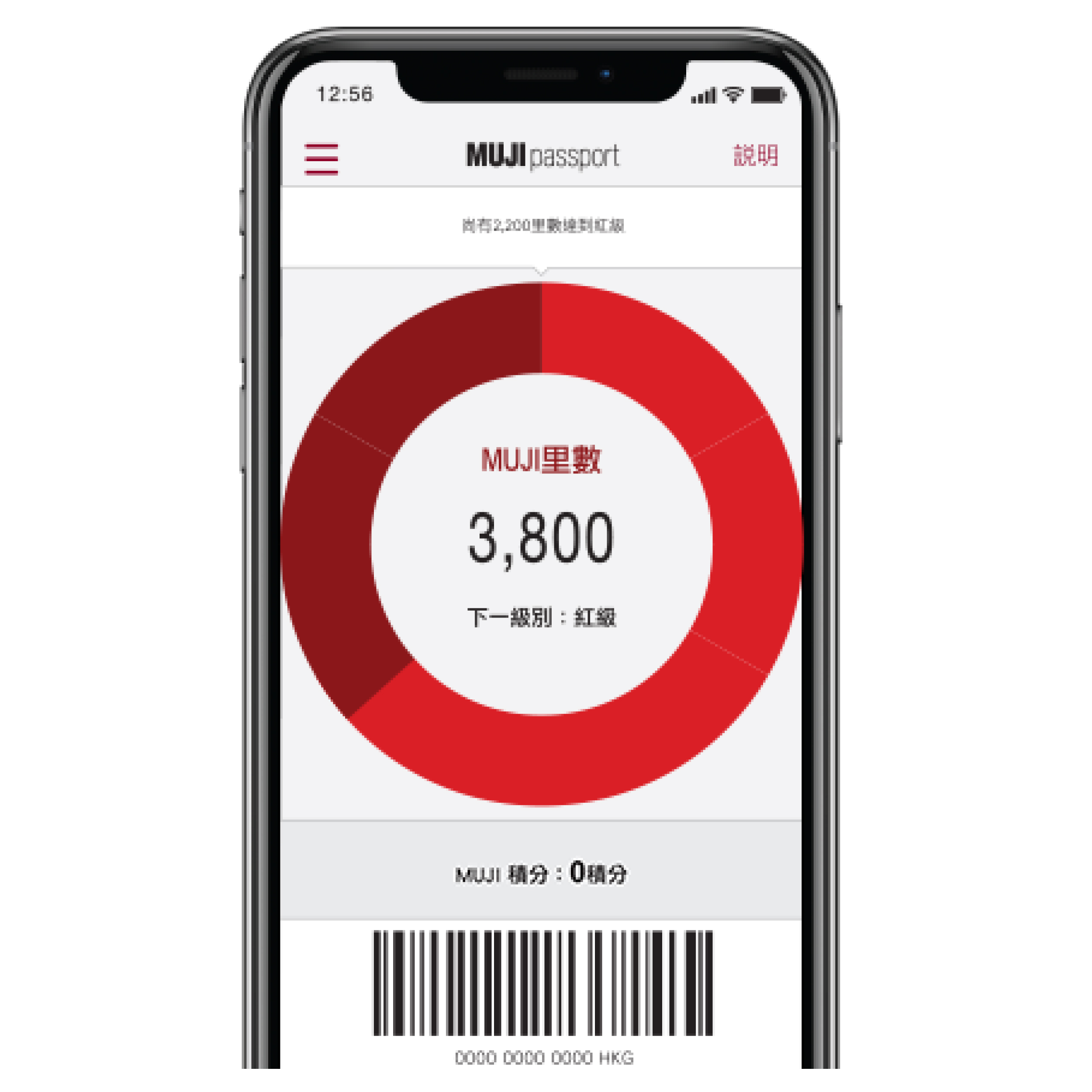
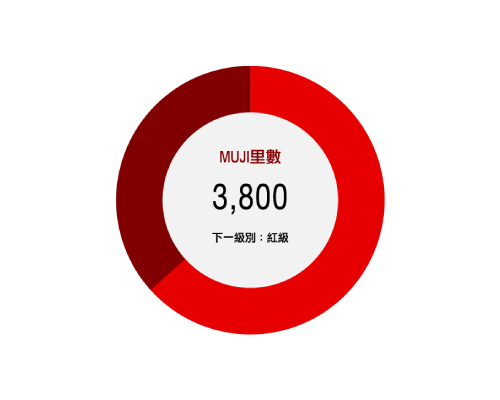
Download MUJI passport and gain MUJI Mile by in-store purchases, dining spending and other interactions with MUJI passport. When accrued MUJI Mile attains specific stage, MUJI Point will be rewarded for using as cash in next spending.
|
|
| About MUJI Mile > |
| 2 | MUJI news and e-coupons | |
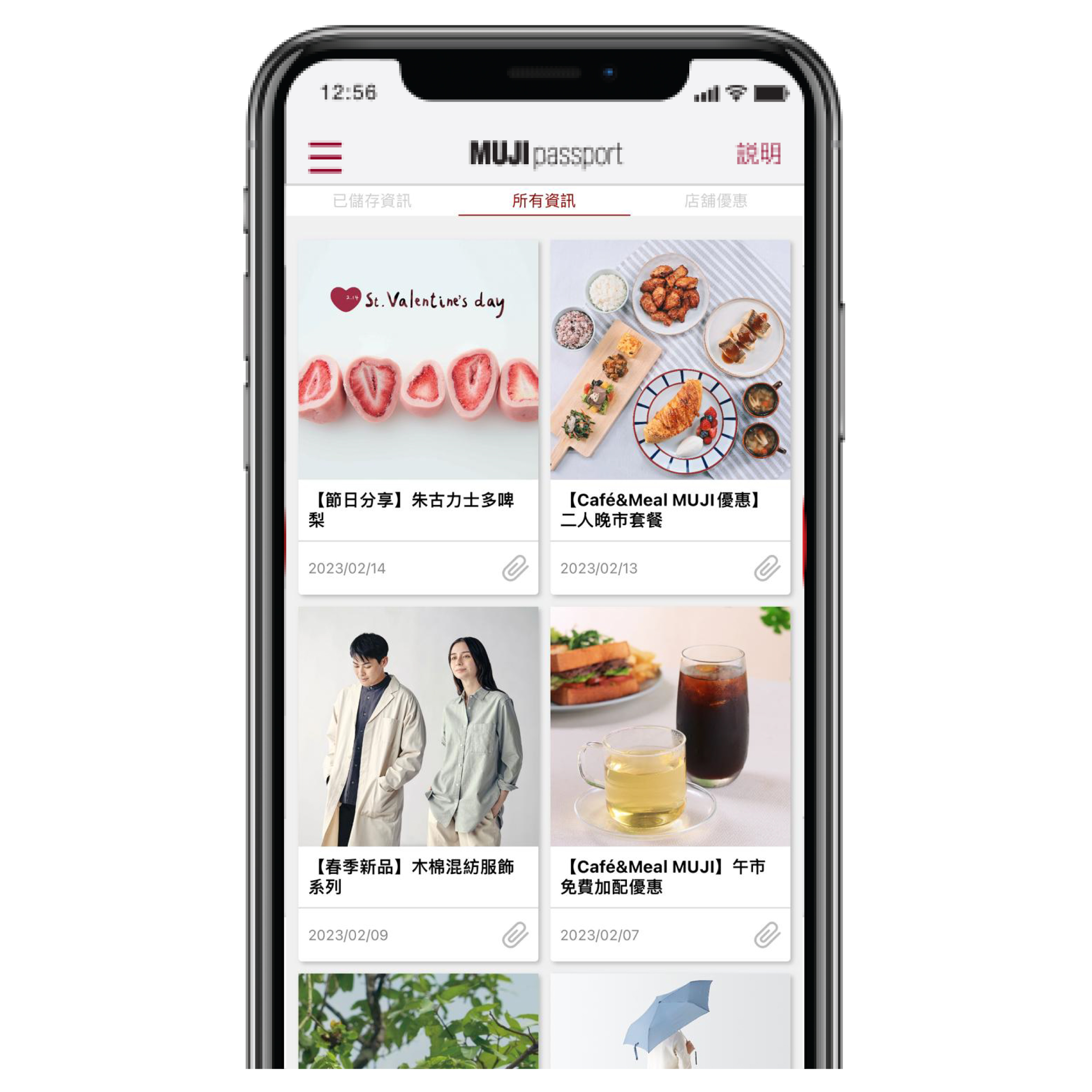
| Receive product information and search stores with available stock by scanning product code. Receive MUJI news, e-coupons and experience a more convenient and pleasant life. | ||
| • | This service can be used with MUJI Card or related promotions concurrently (Including MUJI Dollar rewards, in which MUJI Dollar will be rewarded according to the outstanding transaction amount after MUJI Point is debited). |
|
| • | This service and related promotions are offered for MUJI passport (Hong Kong version) users only. | |
MUJI passport Exclusive Privileges
Using MUJI passport
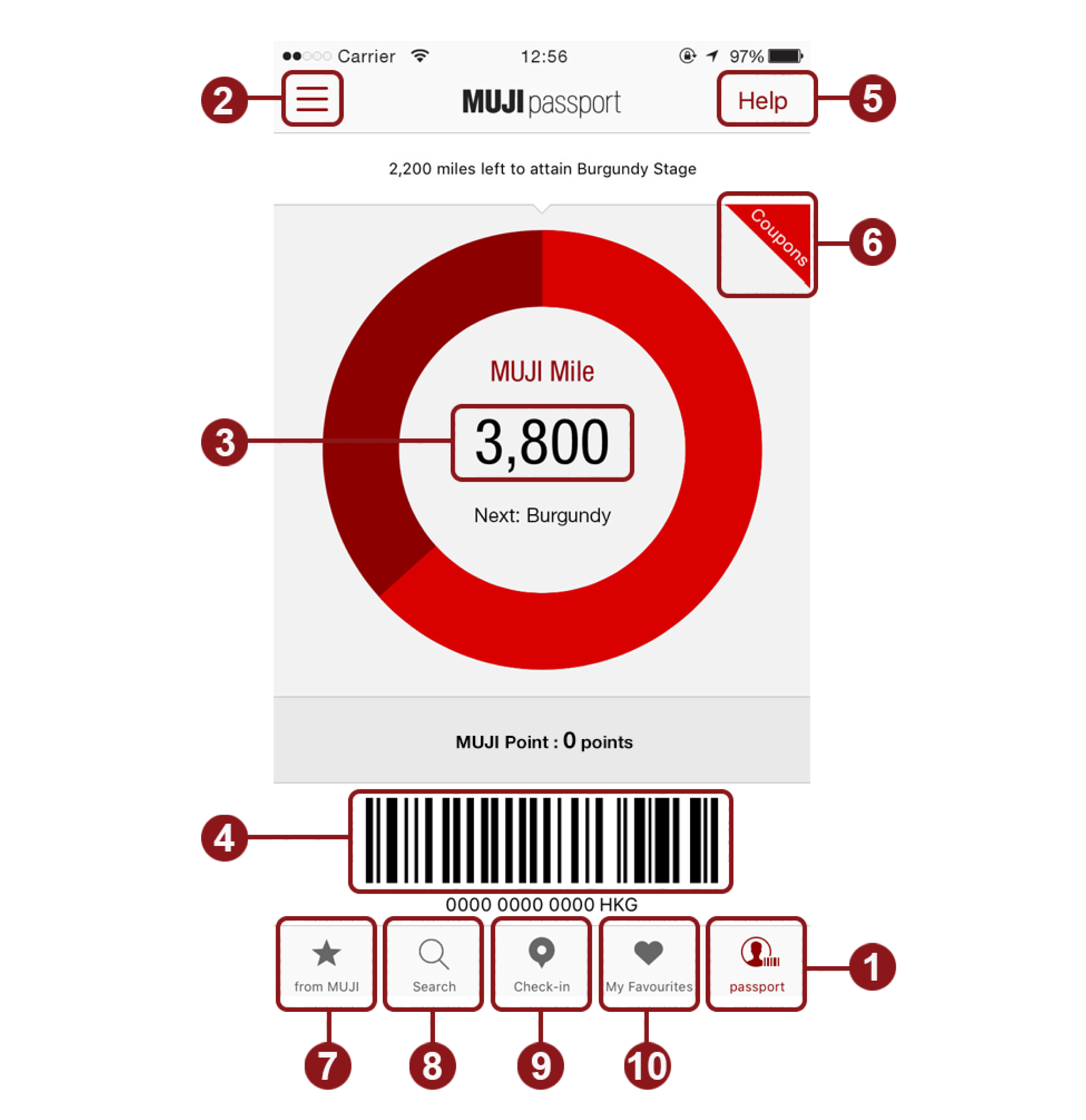
Tap “passport” (lower right corner of the screen: ①)and start below services:
② Check reward record, settings and user profile (register your Date of Birth to enjoy birthday reward).
③ Confirm your MUJI Mile and MUJI Point.
④ Please present this page when you check out.
⑤ Usage information.
⑥ Available e-coupons (thumbnail will not appear if there is no available coupon).
⑦ News from MUJI.
⑧ Search for products or MUJI stores.
⑨ Check-in at MUJI stores to gain MUJI Mile (Only one check-in is allowed at the same store daily, daily upper limit is 5 times).
⑩ Add your favourite products and stores to the list.
|
Save Your ID and PIN
|
|
|---|---|
|
In case of reinstallation of MUJI passport due to loss or change of device, ID and PIN will be required for account recovery. Please tap “Copy to Email” on “ID / PIN Confirmation” page and copy to your personal email. Or you may authorize Facebook or Instagram account to recover MUJI passport account without ID and PIN.
|
|
|
• |
View ID and PIN on "ID / PIN Confirmation" page in main menu at top left corner of MUJI passport. |
|
• |
ID and PIN are personal confidential information. Please save your ID and PIN to avoid any loss or damage from unauthorised usage. |
How to bind your MUJI passport ID to your MUJI Hong Kong Official Online Shop account
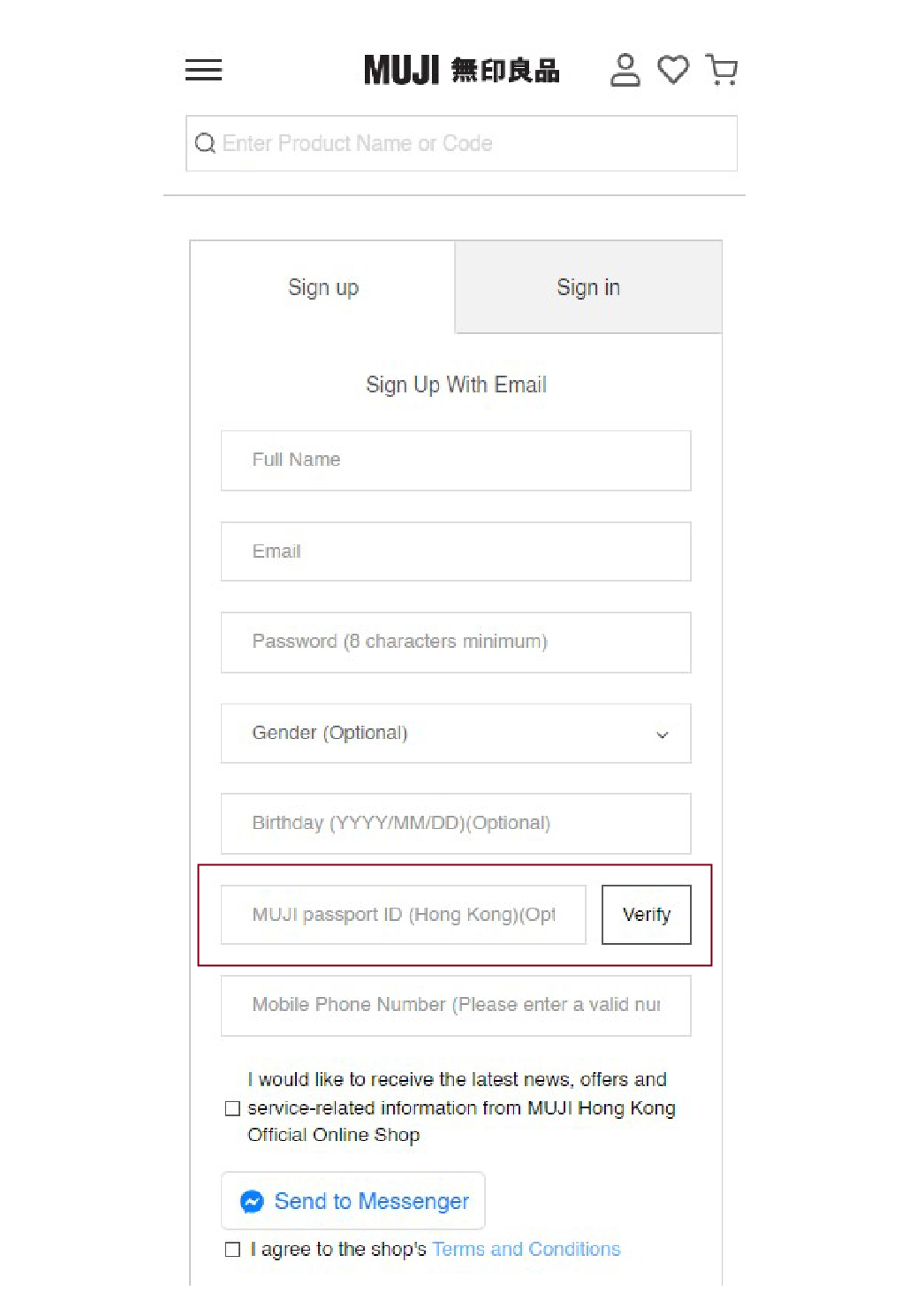
① Login / register for an official MUJI Hong Kong Online Shop account.
② Click on my account.
③ Enter your MUJI passport ID in the "MUJI passport ID Hong Kong" section.
④ Click on the Validation.
⑤ Your MUJI passport ID will be successfully bound after successful verification.
Operating system: iOS11 or above, Android 5.0 or above (Operation of Apps may vary according to different devices).
iPhone, iPad, or iPod touch are trademarks of Apple Inc., registered in the U.S. and other countries.
App Store is a service mark of Apple Inc.
Android and Google Play are registered trademarks of Google Inc.
MUJI (Hong Kong) Company Limited reserves the right to amend the terms and conditions without prior notice.